Trash
Deleting does not work the same way for a project and for a key. A deleted project waits 30 days in Deleted projects, where it can be restored. A deleted key leaves the project at once and has no screen to bring it back. This page covers both, and what you can still recover of a key.
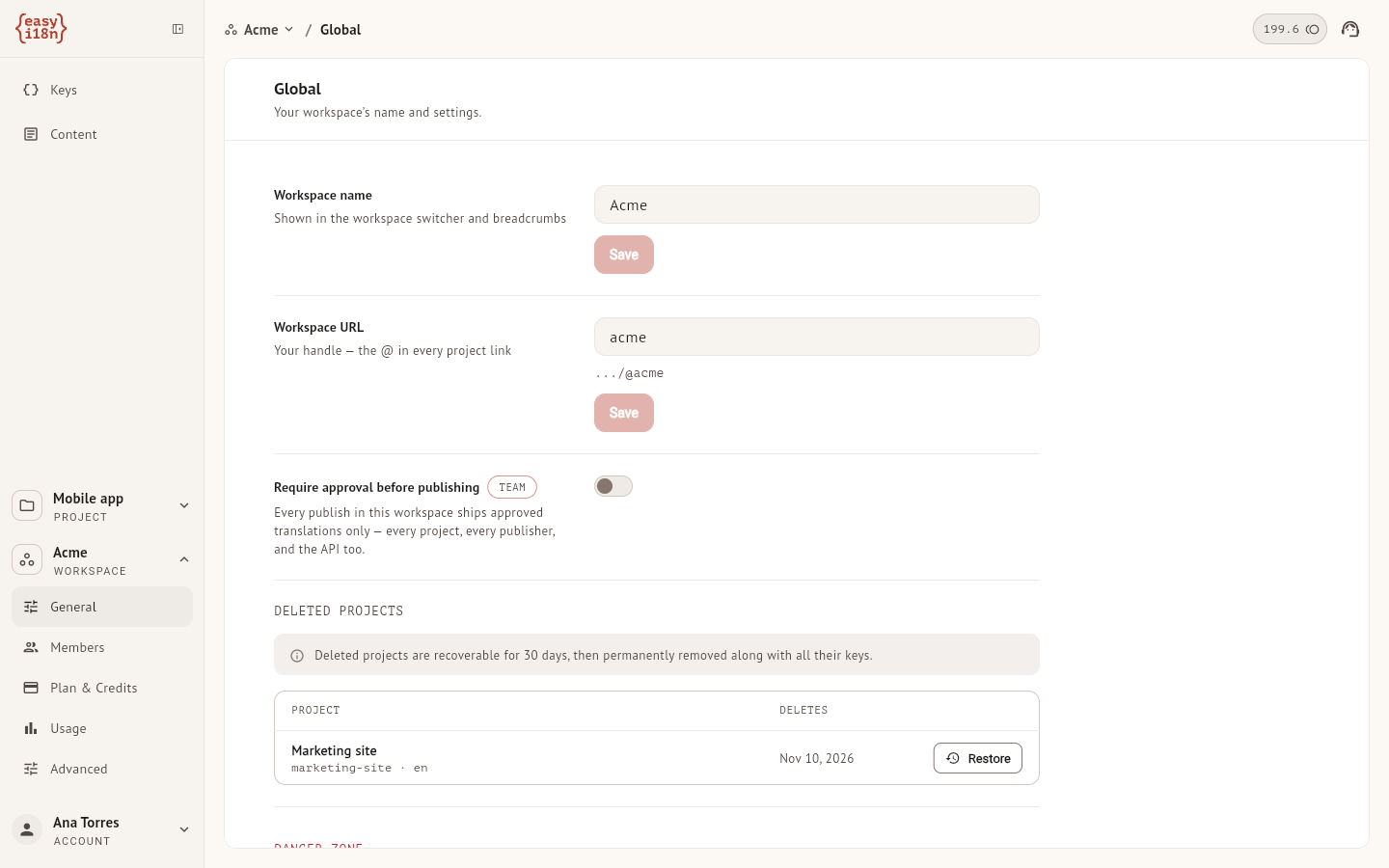
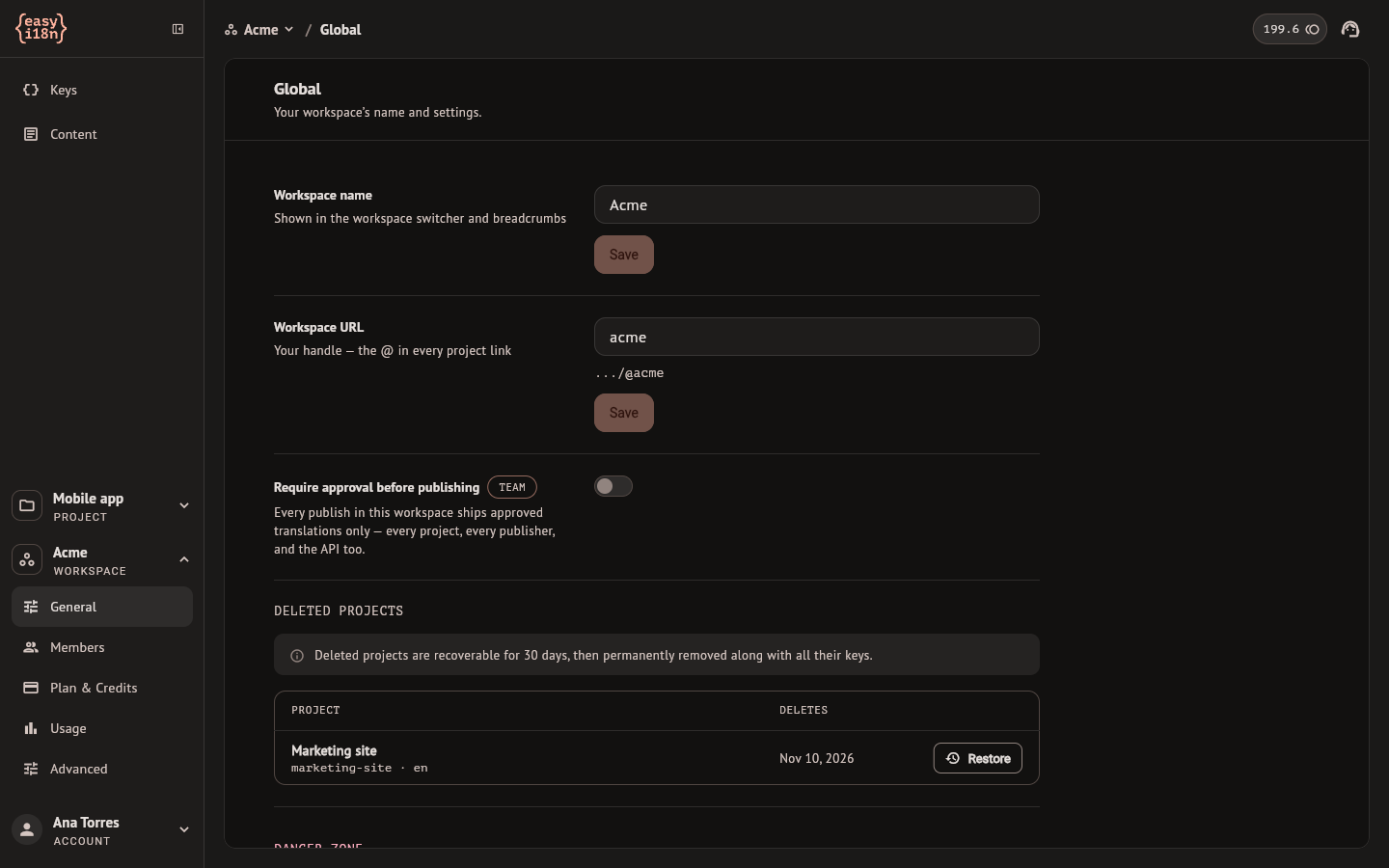
Deleted projects
Delete project is in the danger zone of the project settings, under General. It asks for confirmation. From then on the project is out of the project list, and its delivery address and its API answer "not found": an application that loads translations at runtime gets no update from it.
To restore it:
- Open the workspace settings and select General.
- Under Deleted projects, find the project. Deletes is the day it will be removed for good, 30 days after it was deleted.
- Select Restore. The project returns to the list with its keys, translations, versions and settings, and its delivery address answers again.
After those 30 days the project is deleted with everything in it, and it cannot be recovered.
Deleting and restoring need the owner of the project, or an owner or admin of the workspace. The list shows the deleted projects you were a member of. The dashboard has no control to remove a deleted project before the 30 days.
Deleted keys
Delete key in the editor's menu and Delete keys in the bulk panel both ask for confirmation, and the confirmation says the keys move to the trash. The dashboard has no screen that lists deleted keys or restores one, so treat the deletion of a key as final.
What a deletion does:
- The key and its translations leave the Keys screen at once.
- The versions already published still hold it. The next publish leaves it out, and so do the files exported after that publish.
- Creating a key with the same name later, by hand or by importing a file, does not bring back the translations of the deleted one.
Keys that a merge retires in Key sources are deleted the same way.
Get a deleted key back from a published version
If the key was in the last published version and you have not published since the deletion, its text is still in that version:
- Open Export and download the base language and each language you need.
- Remove from each file every row except the keys you want back. An export of a version published with Source fallback holds base-language text where a translation was missing, and an import would store that text as a translation.
- Import the base-language file first, then the others. The report counts the keys as new.
The key comes back with the text it had when that version was published. Its translations return with the status Translated and the origin Imported, whatever status they had before.