Support
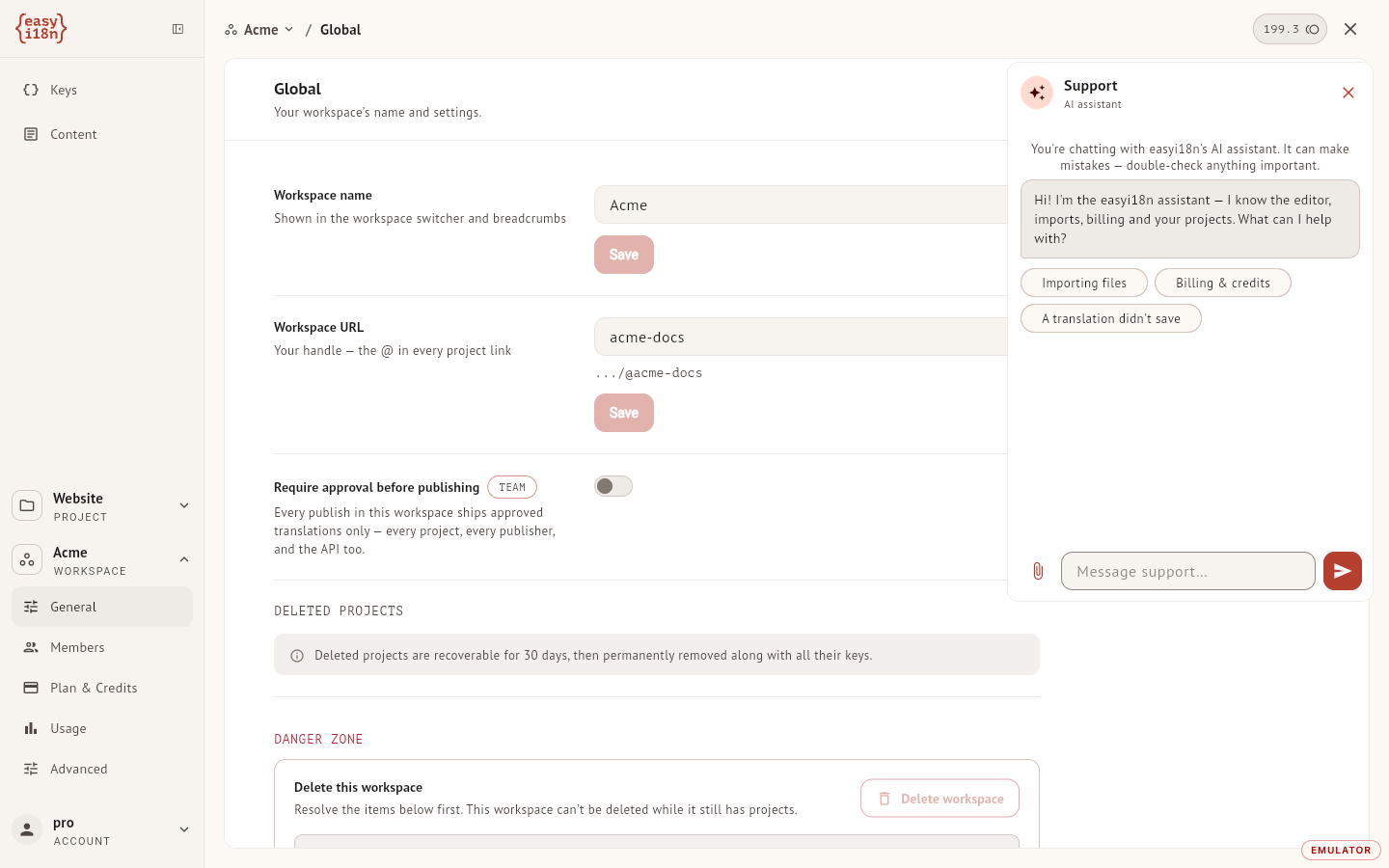
Support lives inside the dashboard. The headset icon in the top bar opens a panel where an AI assistant answers first and hands the conversation to the easyi18n team when a person is needed. You have one conversation at a time, and it stays in the panel when you close it.
What the assistant answers
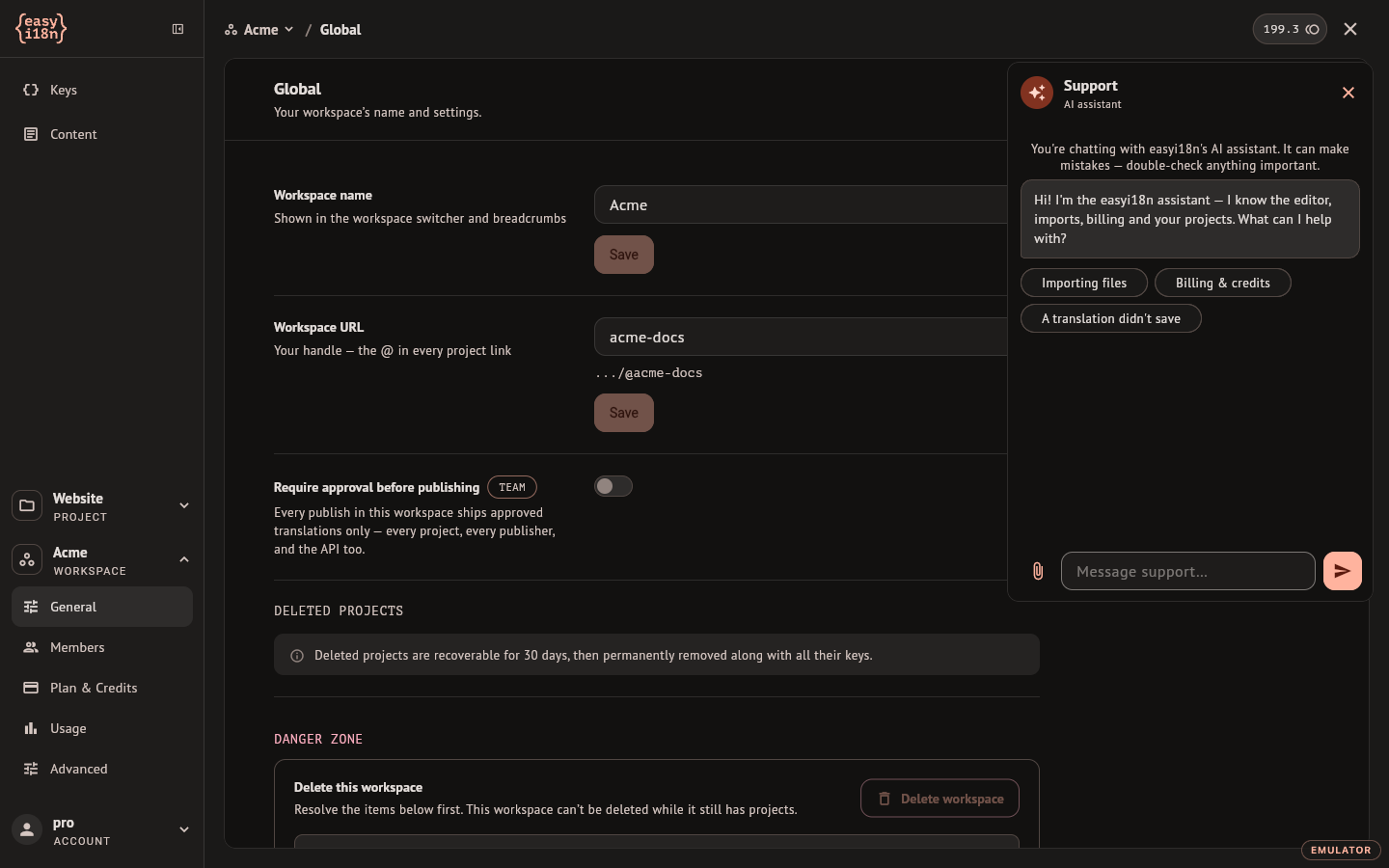
The assistant explains how the product works: the editor, import and export, languages, review statuses, AI translation, and how plans and credits work. The panel offers three starting points, Importing files, Billing & credits and A translation didn't save, and you can type anything else. It replies in the language you write in.
Its limits are worth knowing before you rely on an answer:
- It works from a product guide and from what you write in the conversation. It does not open your projects, your account or your invoices, so describe the problem: the project, the key, what you did and what you saw.
- It cannot do anything for you. It changes no setting, no translation and no bill.
- It does not quote prices and cannot grant refunds, credits or discounts.
- It is an AI model and can be wrong. The panel says so at the top of every conversation. Check an answer before acting on it when the action matters.
The assistant runs on a model from Anthropic, so what you type in the panel is sent to that provider. Talking to support does not spend AI credits.
Send a screenshot
The paperclip attaches an image, and pasting one into the message field works too. PNG, JPEG, GIF and WebP are accepted, up to 6 MB each.
The assistant does not read images: an image is kept for the team. Write what it shows, otherwise the assistant has nothing to answer.
Reach a person
Ask for a person at any point and the assistant hands the conversation over. It also does so by itself when:
- the subject is a refund, a billing dispute, deleting your account, or a problem with access, security or signing in;
- its first suggestion did not work and you say so;
- it cannot produce an answer at all.
From then on the conversation is a case with a number, shown under the panel title, and the assistant stays out of it. The panel confirms that you are connected to the team, and easyi18n emails you that the case is open. The team replies in the same panel, and you get an email about a reply unless you were in the panel moments before. An unread reply marks the headset icon with a dot.
You can keep writing in your own language. Your messages are translated for the person who answers, and their replies are translated back.
Resolved and closed cases
When the team marks a case Resolved, replying in the panel reopens it.
A Closed case stays visible in the panel for 14 days. Writing again in that time reopens the same case under the same number, and the assistant starts fresh, without the earlier messages. After 14 days the panel shows its starting points again and a new message starts a new conversation.