Delivery
A published version of your keys reaches an application in one of two ways. As files, which a person exports or a build downloads with an API key. Or at runtime, from a public address that an SDK reads while the app is open. This page covers the runtime side: what is served, the address it is served at, and how to serve it from a domain of your own. Publish a version covers what goes into a version.
What is served
Runtime delivery has two parts.
- The manifest lists the languages of the project and, for each one, the bundle that holds it. It always describes the current version.
- A bundle holds the keys and values of one language. It is named after the hash of its content and never changes.
A publish or a restore changes the manifest, which then points to new bundles for the languages whose content changed. An app with the Flutter SDK checks the manifest, downloads the bundles that are new and shows the new wording without a release. Text added in a new place of the app still needs a build. The Flutter SDK page has the setup.
Delivery serves the current version only. There is no address for an older version; to go back, restore it.
The manifest and the bundles are public. They take no API key, and anyone who has the address can read the published translations of the project, so keep anything confidential out of your keys. Content documents are not served this way: they are read through the API with a project API key.
The address of a project
A project is addressed by the handle of its workspace and its own slug:
/v1/@acme/mobile-app/manifest
- The handle is the Workspace URL, set by the workspace owner in the workspace settings, as described in Members and roles. A workspace serves at this address once its owner has set that URL.
- The slug is in the project settings under General. It is unique in the workspace and cannot be changed.
Changing the workspace URL changes the address: the old handle stops answering. If the workspace has a published project, that handle stays reserved for it so nobody else can take it over. An app built with the old handle receives no new versions until it is rebuilt with the new one.
The same manifest is at /v1/projects/{projectId}/manifest, by the ID of the
project, which never changes. The bundle addresses inside a manifest use that
form.
These paths are served by the delivery host of the project. By default that
is locales.easyi18n.com.
Publish and delivery
documents the responses and their caching for runtimes other than Flutter.
Serve from your own domain
A workspace can register subdomains of its own, such as
cdn.yourcompany.com, and serve its projects from them. Custom domains come
with the paid plans; on the Free plan the list is visible and Add opens
the upgrade dialog. An account can hold up to five, counted across all the
workspaces it owns. Adding a domain, removing it and giving it to a project
need the workspace owner or an admin.
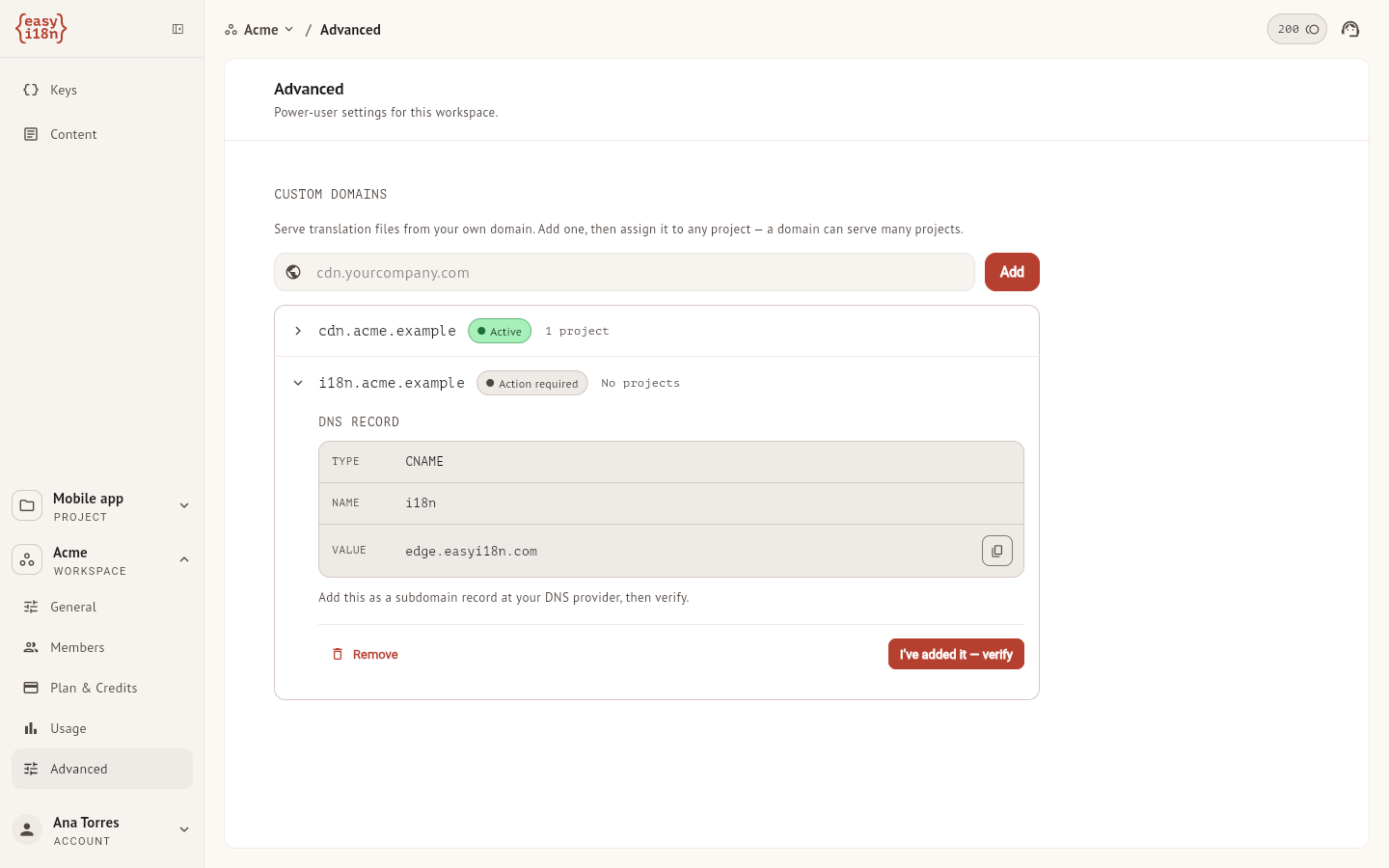
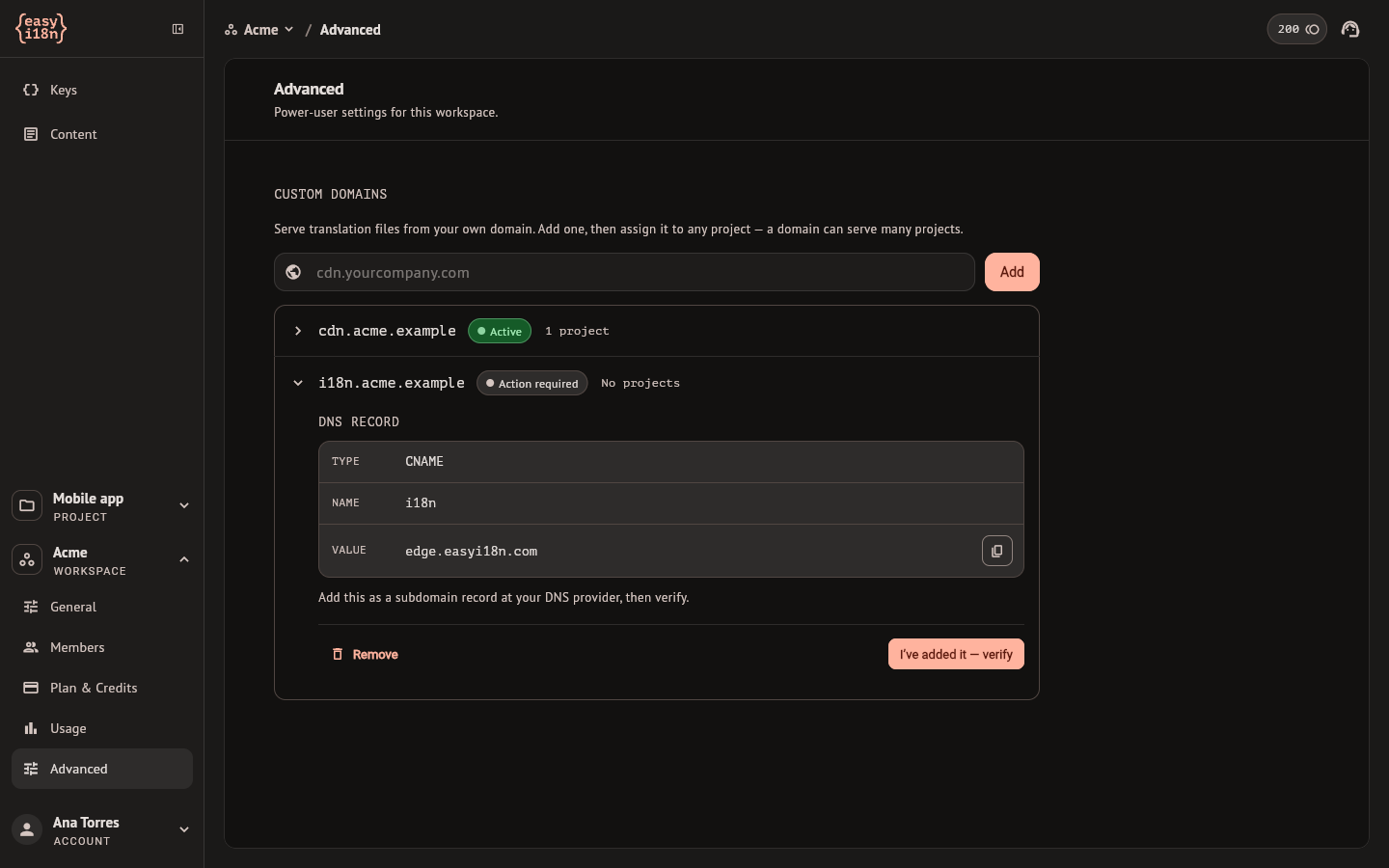
- Open the workspace settings, select Advanced and find Custom domains.
- Type the subdomain and select Add. A bare domain such as
yourcompany.comis refused, because DNS does not allow the record this needs on it. A domain that another workspace has registered is refused too. - Select the domain in the list. It opens with a DNS record: its type, name and value. Create that record at your DNS provider.
- Select I've added it — verify.
The domain then moves through these states on its own. You can leave the page.
| State | Meaning |
|---|---|
| Action required | Waiting for you to create the DNS record |
| Verifying DNS | Looking for the record. DNS changes can take a few minutes to spread |
| Securing | Issuing the certificate for the domain |
| Almost ready | Rolling out and checking that delivery answers |
| Active | Serving. The domain can be given to projects |
| Needs attention | It was active and stopped answering |
| Couldn't connect | Setup failed, or verification did not finish within 24 hours |
Check now runs a check without waiting for the next one. Retry, on a domain that could not connect, starts the verification again, and Re-verify does the same for one that needs attention. An active domain shows its address, when it was last verified and Test delivery.
While a domain is not active, the API reports the default delivery host for its projects. They keep the domain selected, and the API reports it again when it is active. An installed app keeps using its configured host; it does not switch hosts automatically.
Remove deletes the domain at once, without asking, and unlinks its projects from it. Update any apps configured to use that domain.
Give a project its domain
A domain serves any number of projects of its workspace, and a project is served from one host.
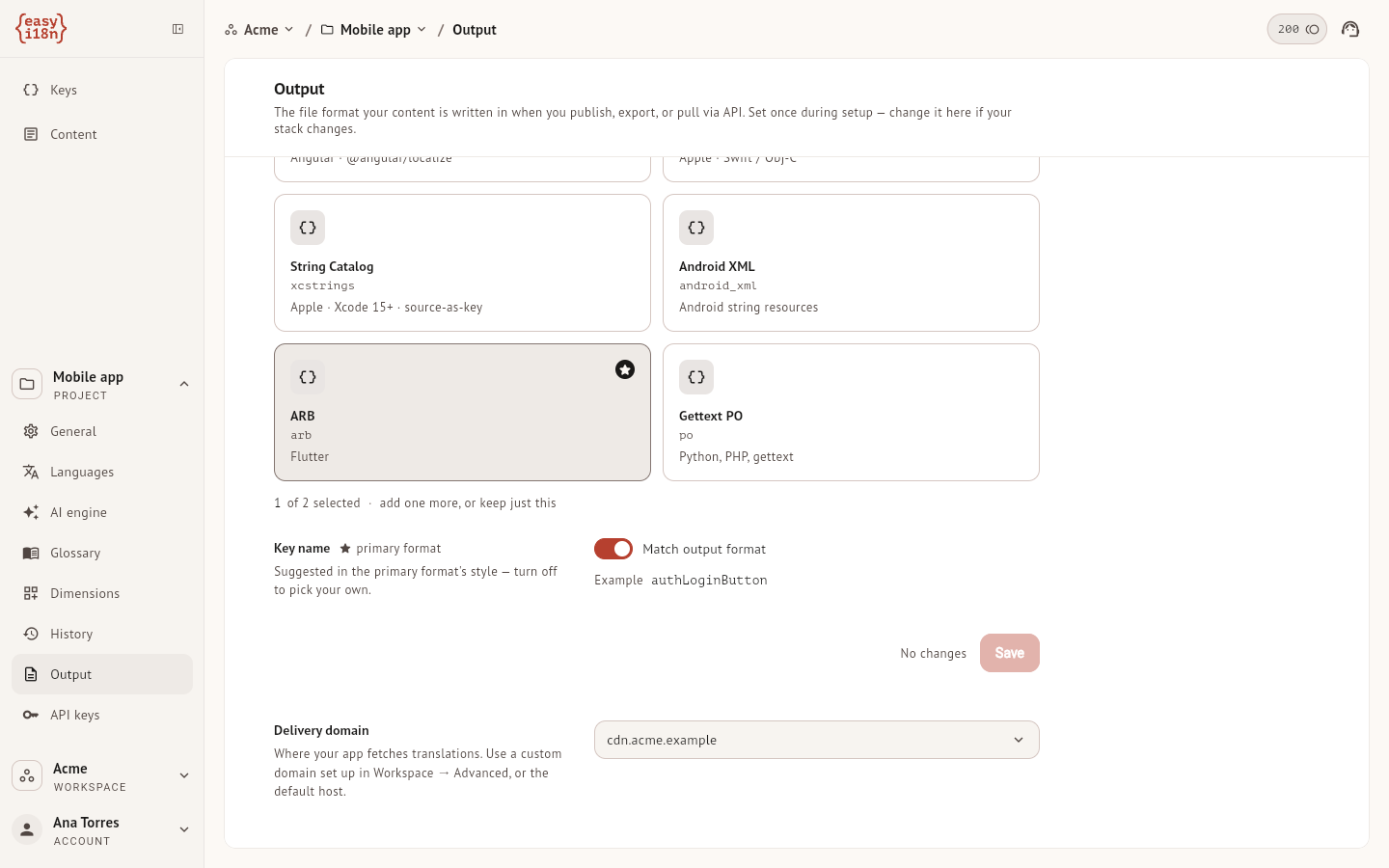
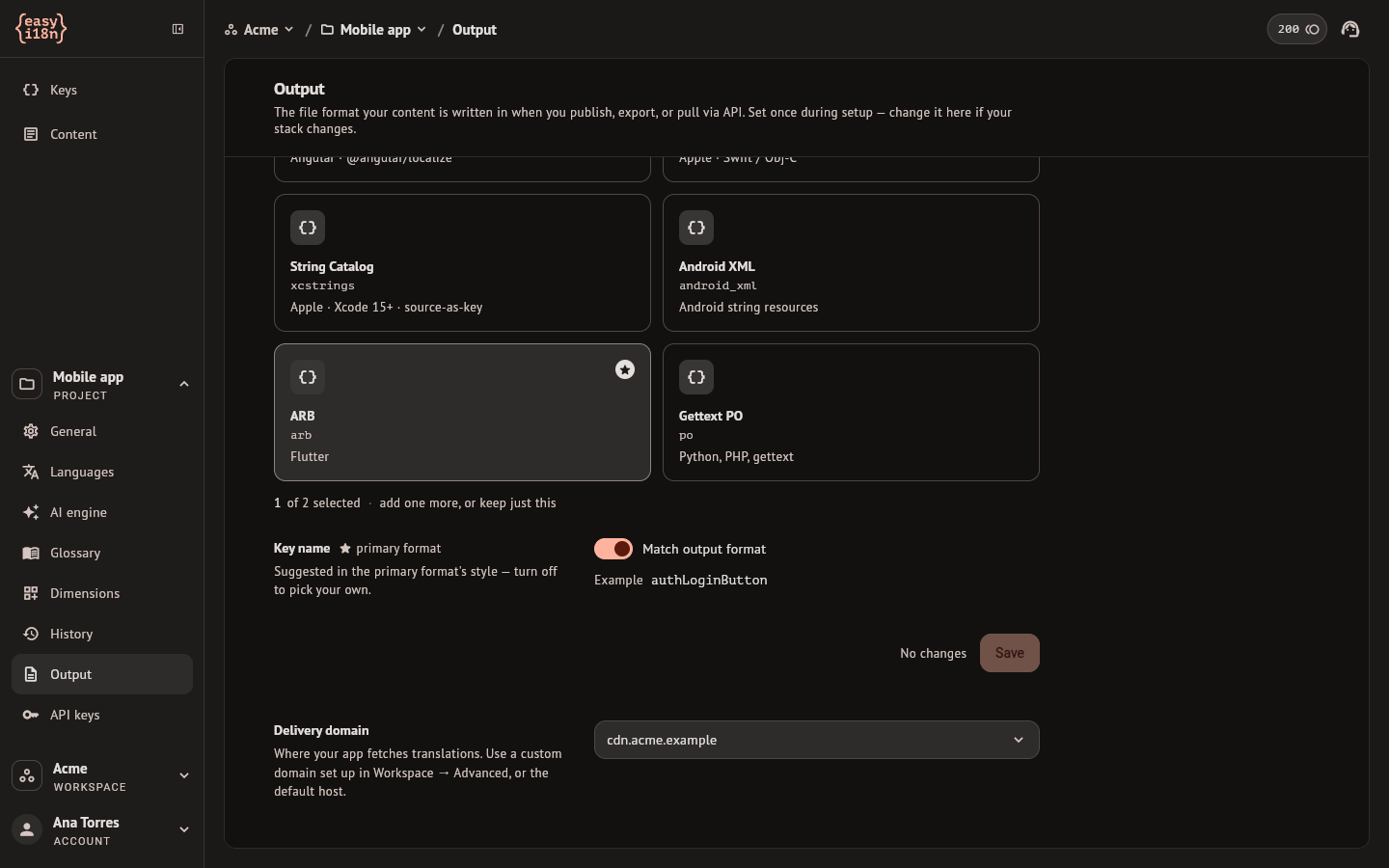
In the project settings, open Output and choose under Delivery domain: Default or one of the active domains of the workspace. From the other side, an active domain lists its projects under Projects, with Add a project and Unlink.
Selecting a domain does not change what an installed app reads. An app
loads translations from the origin its SDK was given, so point the SDK at the
new domain and release the app. In the Flutter SDK that is the baseUrl
argument of Easyi18nScope.
Files instead of runtime delivery
An application that ships its translations inside the build does not use the manifest. It takes files in the project's output formats from the last published version:
- Export keys, in the Languages section of the project settings, downloads them by hand.
- The CLI's
pullwrites them into the repository, as described in the CLI guide. - The API returns them to a script, as described in Publish and delivery.
These three read with your session or a project API key. The formats are set in the project settings under Output, described in Project settings.