Your account
Your account is yours across every workspace you belong to. Its settings are at the foot of the left rail, in the group that carries your name: Profile, Security, Preferences and About, with Sign out below them.
Profile
Display name is how you appear to the other members and on the comments you write. Change it and select Save.
The email address is the one you sign in with. It is shown here and cannot be changed from the dashboard.
Security
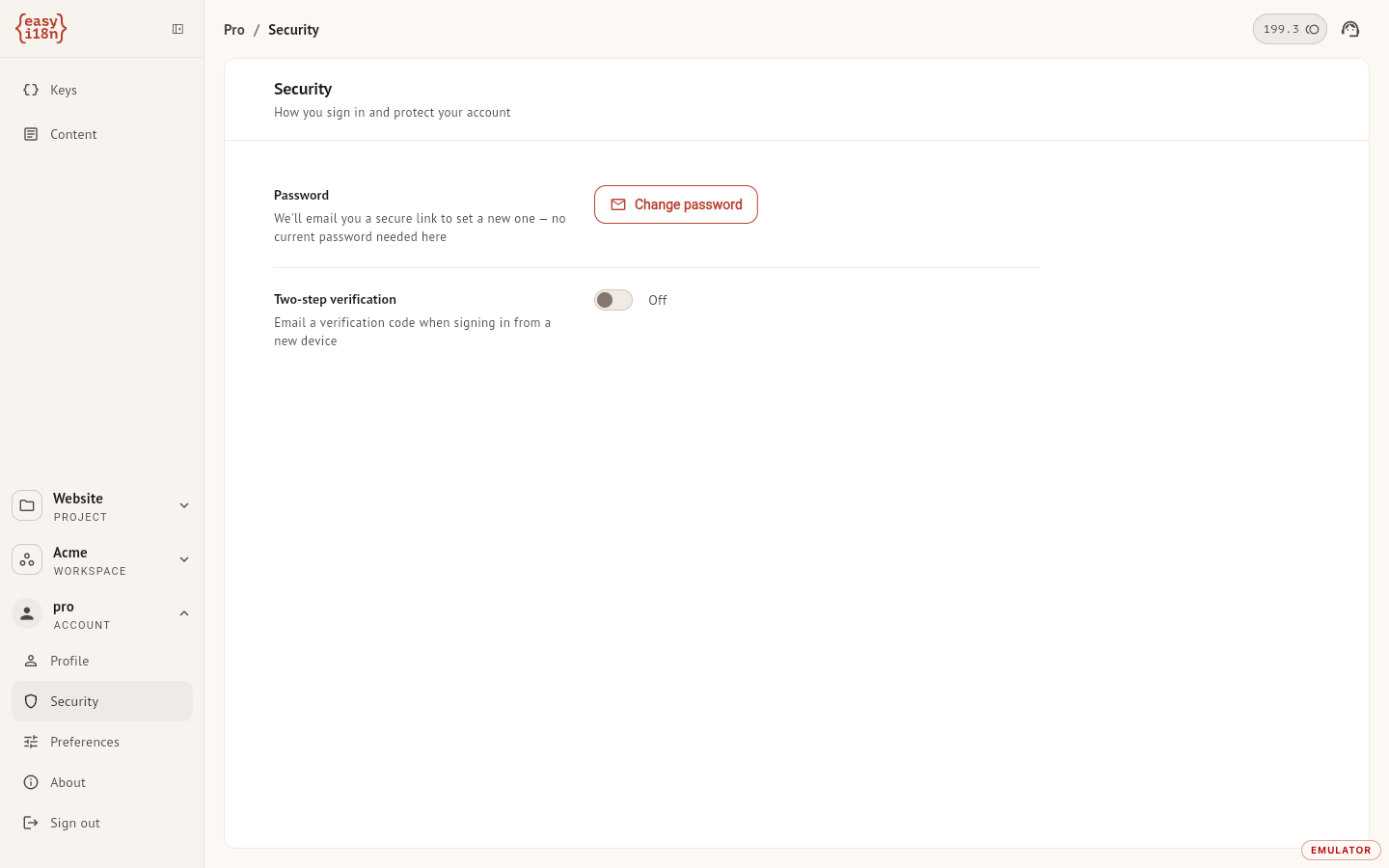
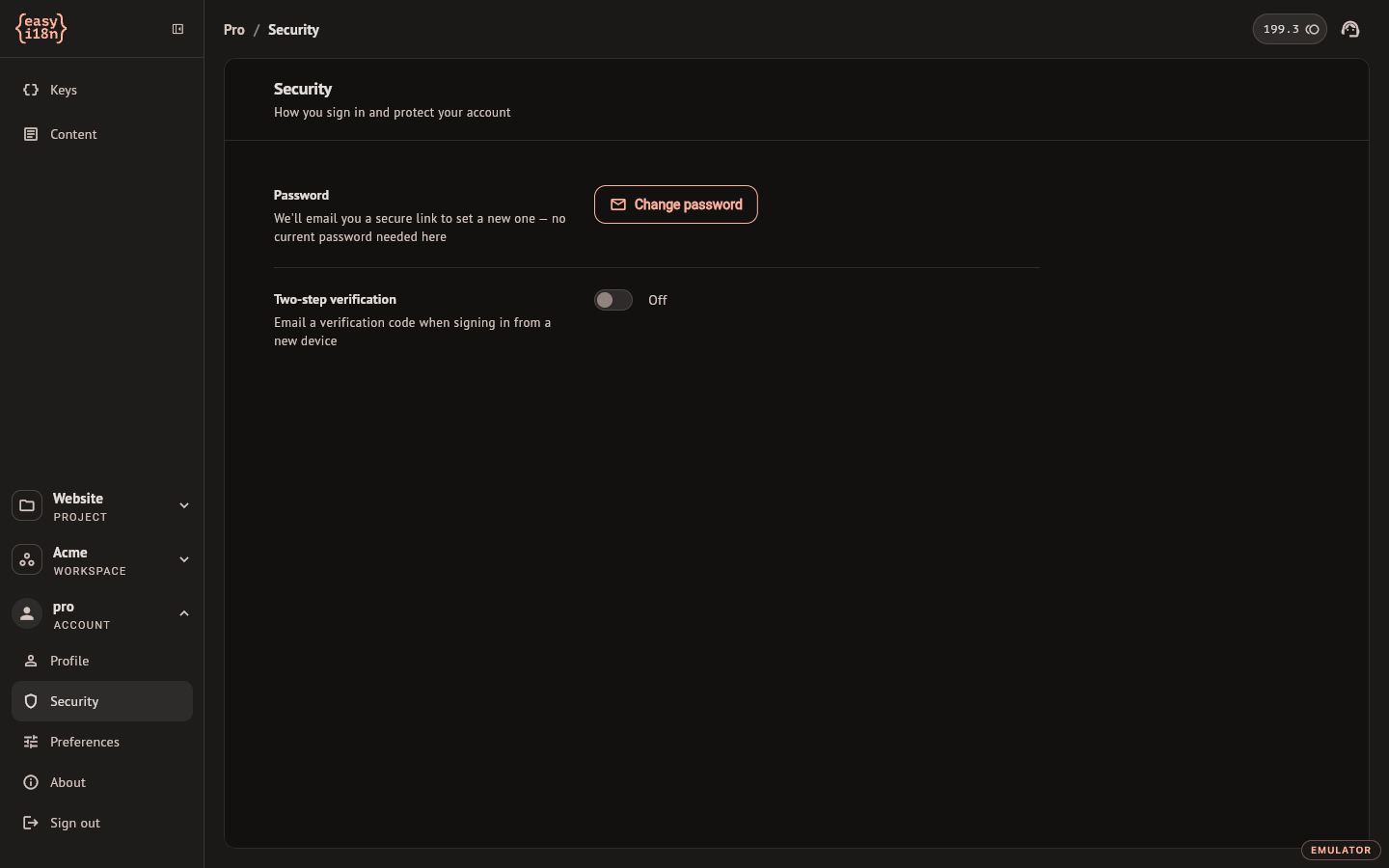
Password. Change password does not ask for the current one. It emails you a link to set a new password; the link expires after one hour, and Resend sends another.
Two-step verification. With the switch on, signing in from a new or untrusted device asks for a six-digit code that easyi18n emails you. After entering it you choose whether to trust that device for 30 days. Turning the switch off asks for confirmation, because from then on the password alone opens the account.
Preferences
- Appearance switches between System, Light and Dark, and applies at once. The choice is saved on the device you make it on.
- Interface language is the language of the dashboard itself. It has nothing to do with the languages of your projects: changing it translates no key and no document.
Delete your account
Delete account, at the bottom of Profile, is permanent and takes effect at once: there is no trash and no waiting period for an account.
Two things block it, and the section lists them with a link to each:
- a workspace you own still has projects. Delete the projects first;
- a workspace you own has an active subscription. Cancel it in Plan & Credits first.
With nothing blocking, the dashboard asks you to type your email address to confirm. If you signed in more than a few minutes ago, it also asks you to prove it is you: with your password, or with Google if that is how you sign in. Deleting the account removes your sign-in and your personal data, deletes the workspaces you own, including the access of the people you had invited to them, and takes you out of the workspaces of others.
About
About shows the version of the app you are running and links to this documentation, the website, the Terms of Service and the Privacy Policy.